Table of Contents
Reassignment
If certain evaluations of any agent of a specific work allocation were not verified by the assigned QA (evaluator), then the Admin or Supervisor can reassign such evaluations to another QA verifier (evaluator).
To access this functionality, select Manage > Work Allocation > Reassignment on the left panel as shown below:
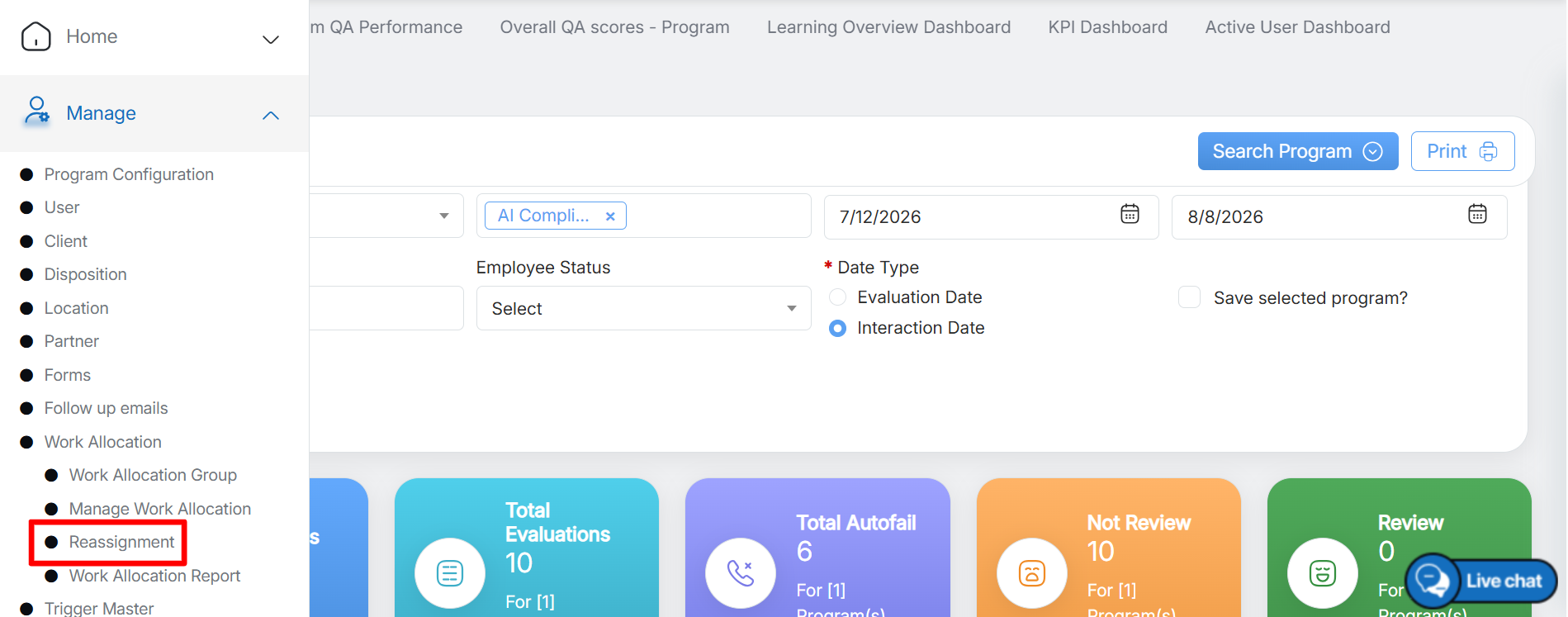
Reassignment
Reassignment page will be displayed as shown below:
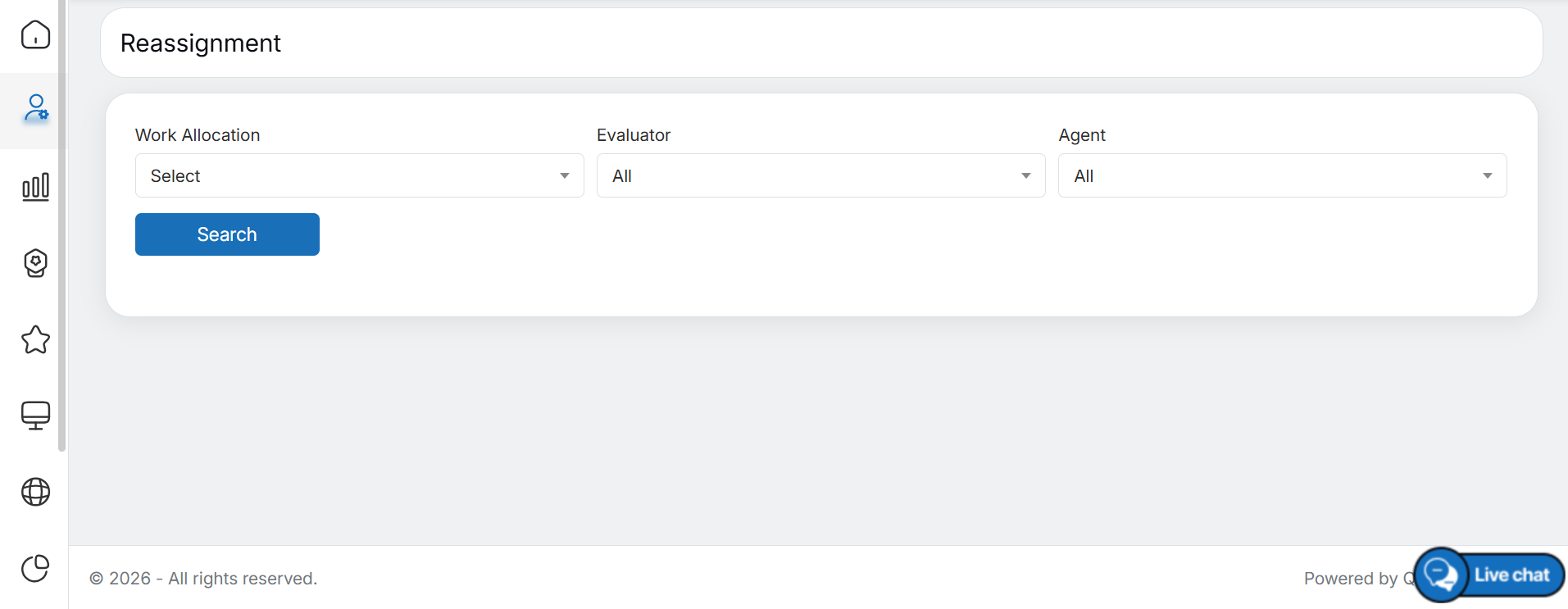
Reassignment page
To search specific evaluation(s), set the following filters:
- Work Allocation – Select the existing work queue from the dropdown list. To know more about adding work queue, refer to Add Work Allocation.
- Evaluator – Select all or any required evaluator from the dropdown list to search evaluations assigned specifically to them.
- Agent – Select all or any required agent from the dropdown list to search evaluations assigned specifically to them.
Once the required filters are set, click on the Search button as shown below:
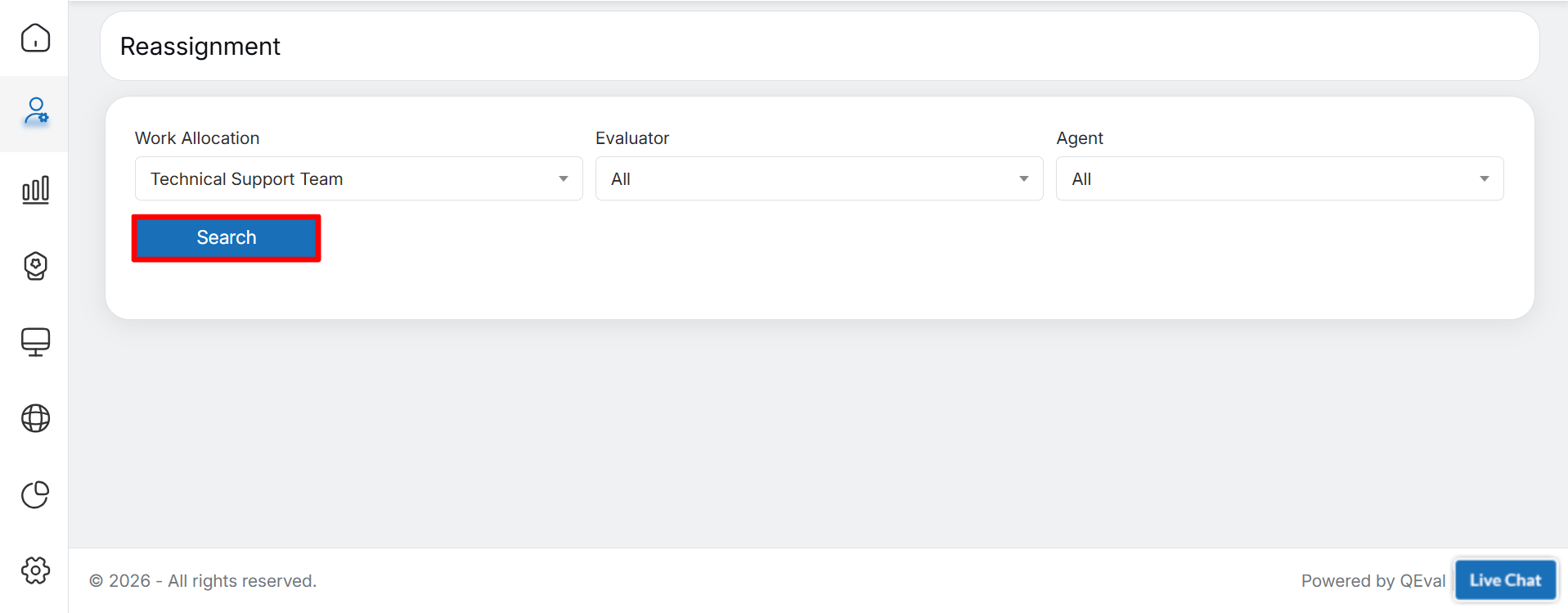
Search
Based on the set filters, the data will be displayed on the same screen in the grid as shown below:
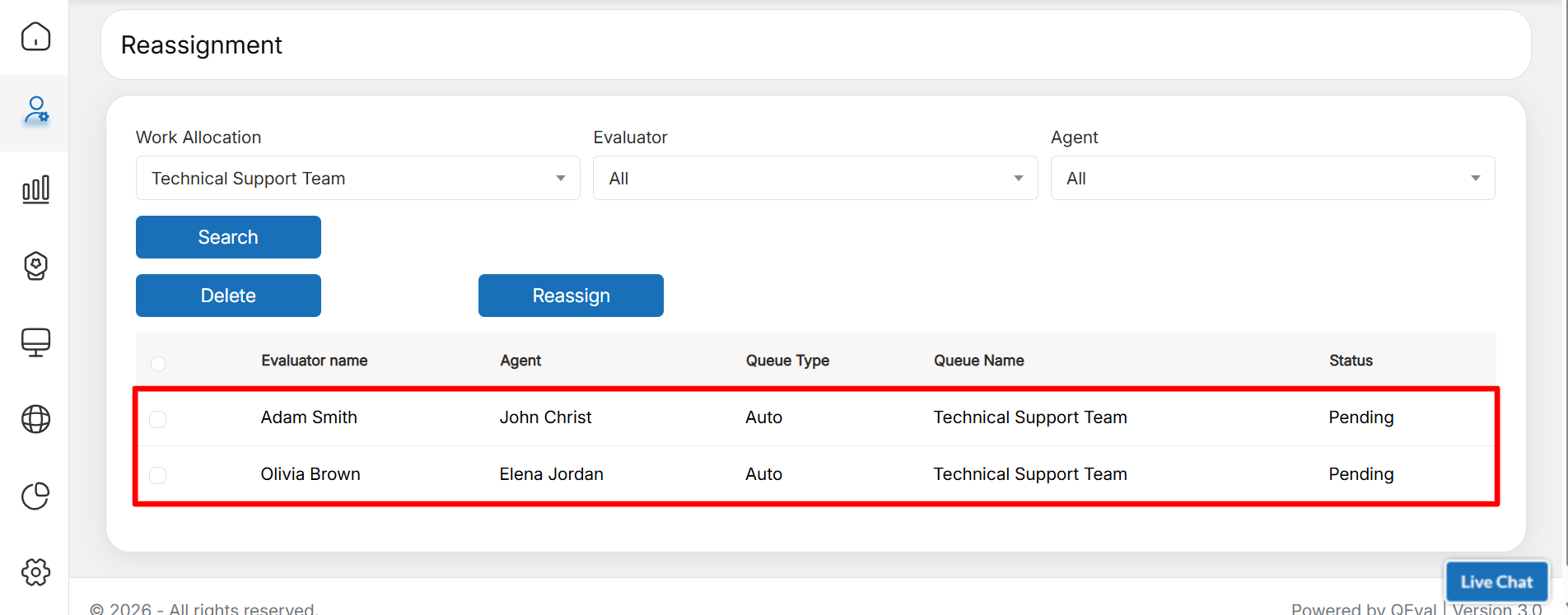
Search Results
Following details will be displayed on this grid:
- Evaluator Name – Displays the name of the QA verifiers to whom the evaluations of a particular work allocation are assigned for verification.
- Agent – Displays the name of the agent to whom the evaluations of a particular work allocation are assigned.
- Queue Type – Displays the type of the work queue that is Manual.
- Queue Name – Displays the name of the specific work allocation are assigned to the QA verifier.
- Status – Displays the status of the evaluation assigned to the QA verifier for its verification.
Video