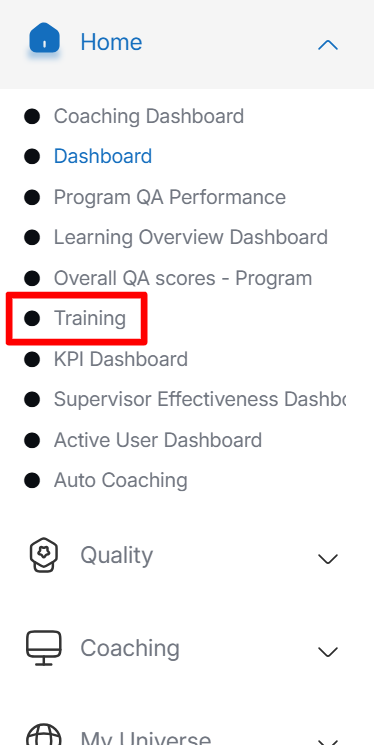
Training
The system redirects to the Training dashboard, as shown in the screen below.
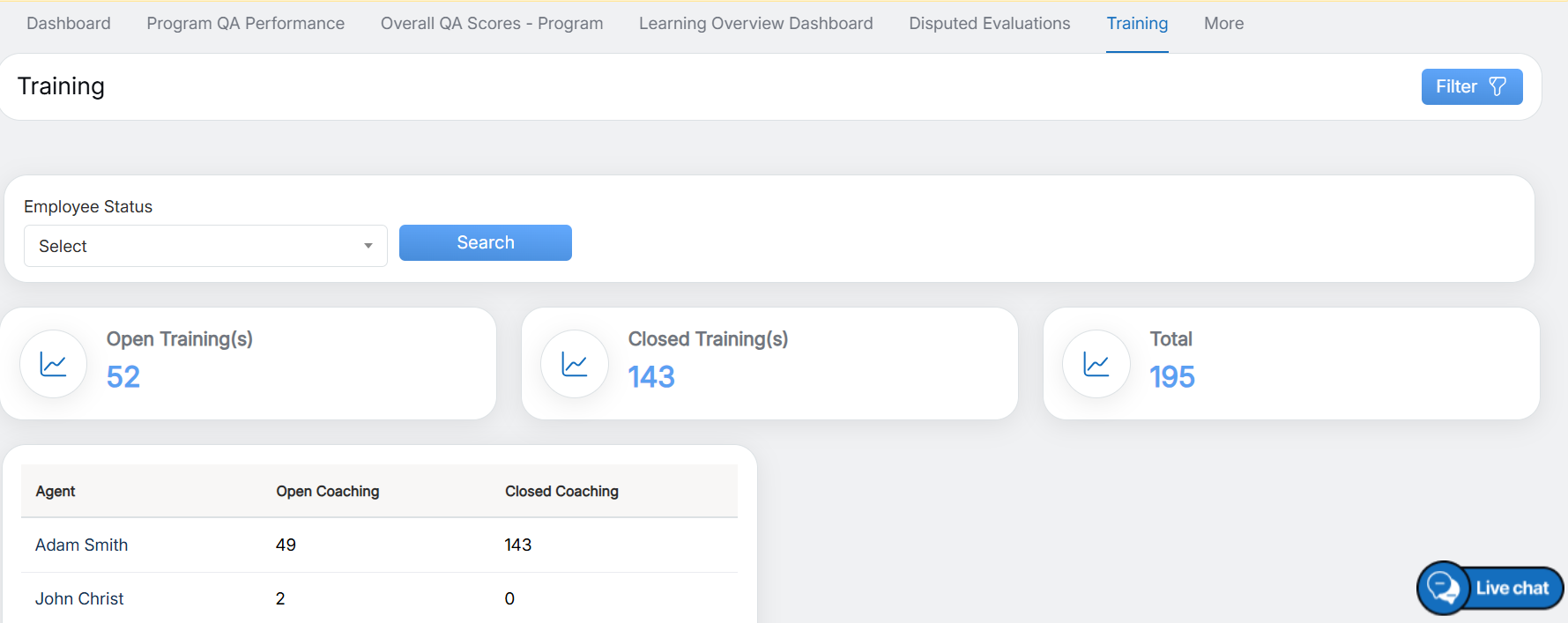
Training Dashboard
To View the Open Training List in the Console
- Click the Open Training tab.
- Select an Agent from the list to view their training status.
- The system will display a grid showing all Open Training records for the selected agent, as highlighted below.
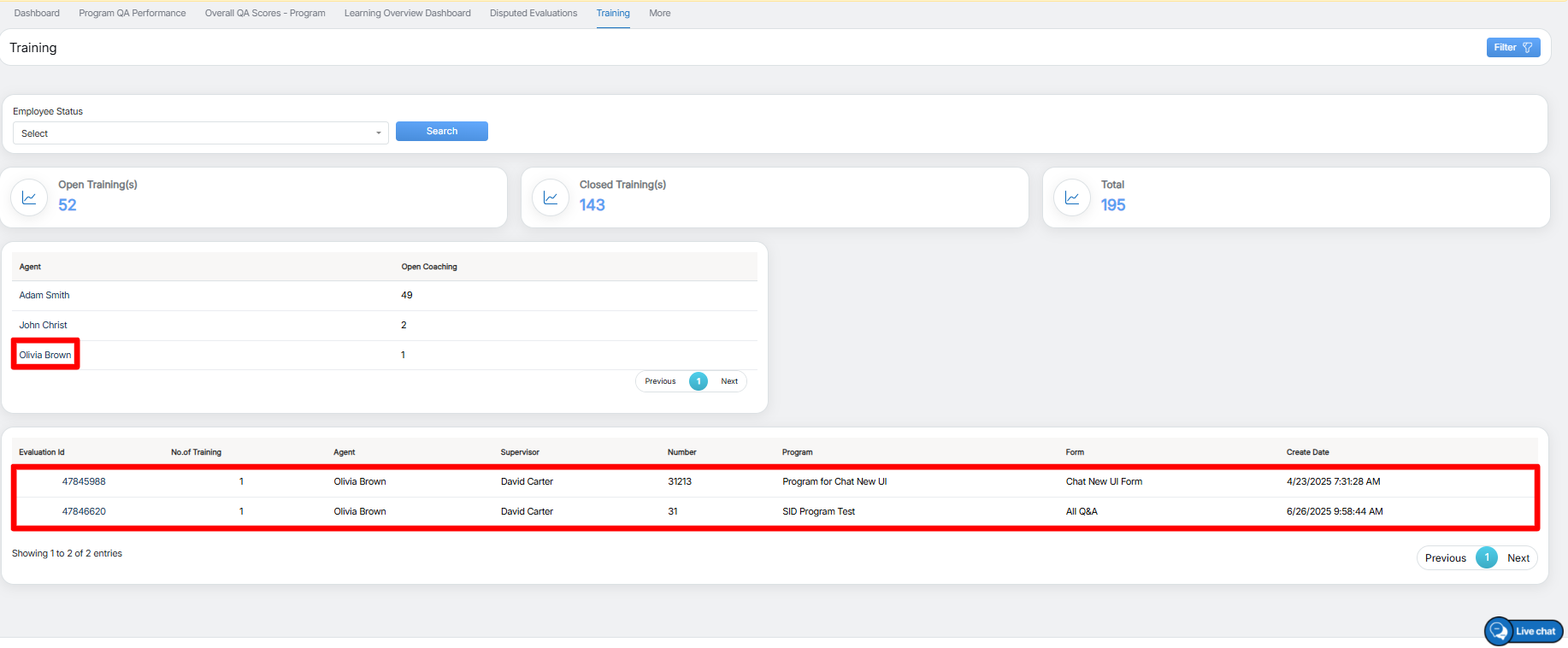
Open Training Records
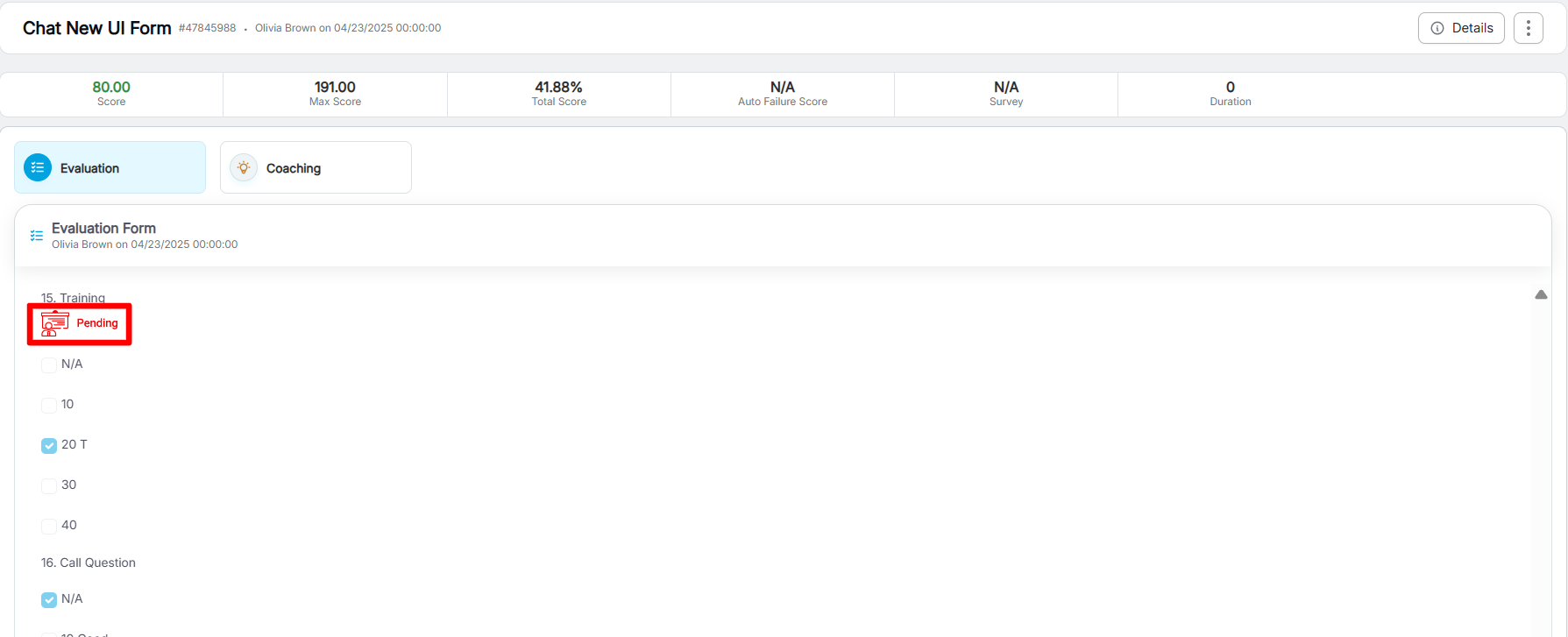
Training Status: Pending
To View the Closed Training List in the Console
- Click the Closed Training tab.
- Select an Agent from the list to view the training status.
- The system will display a grid showing all Closed Training records for the selected agent, as highlighted below.
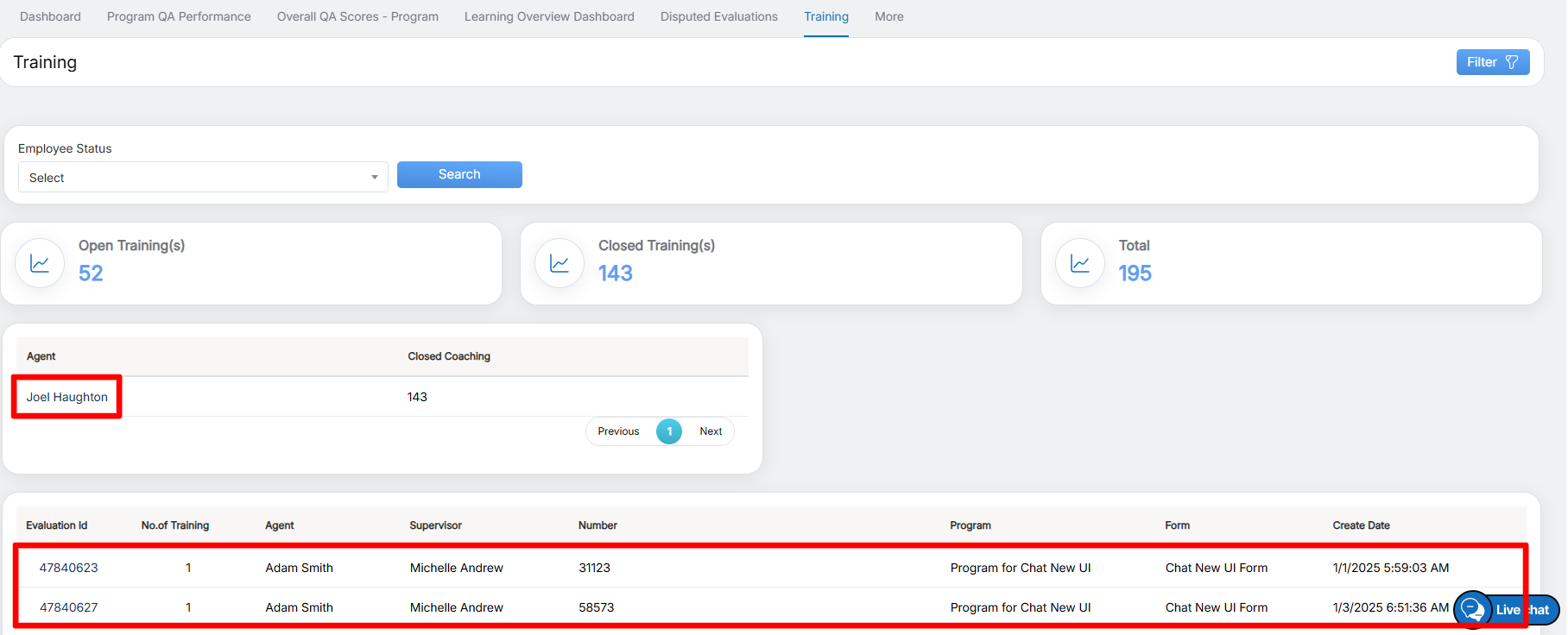
Closed Training Records
- Click any Answer ID in the grid to view the detailed training status. The system will redirect to the following screen.
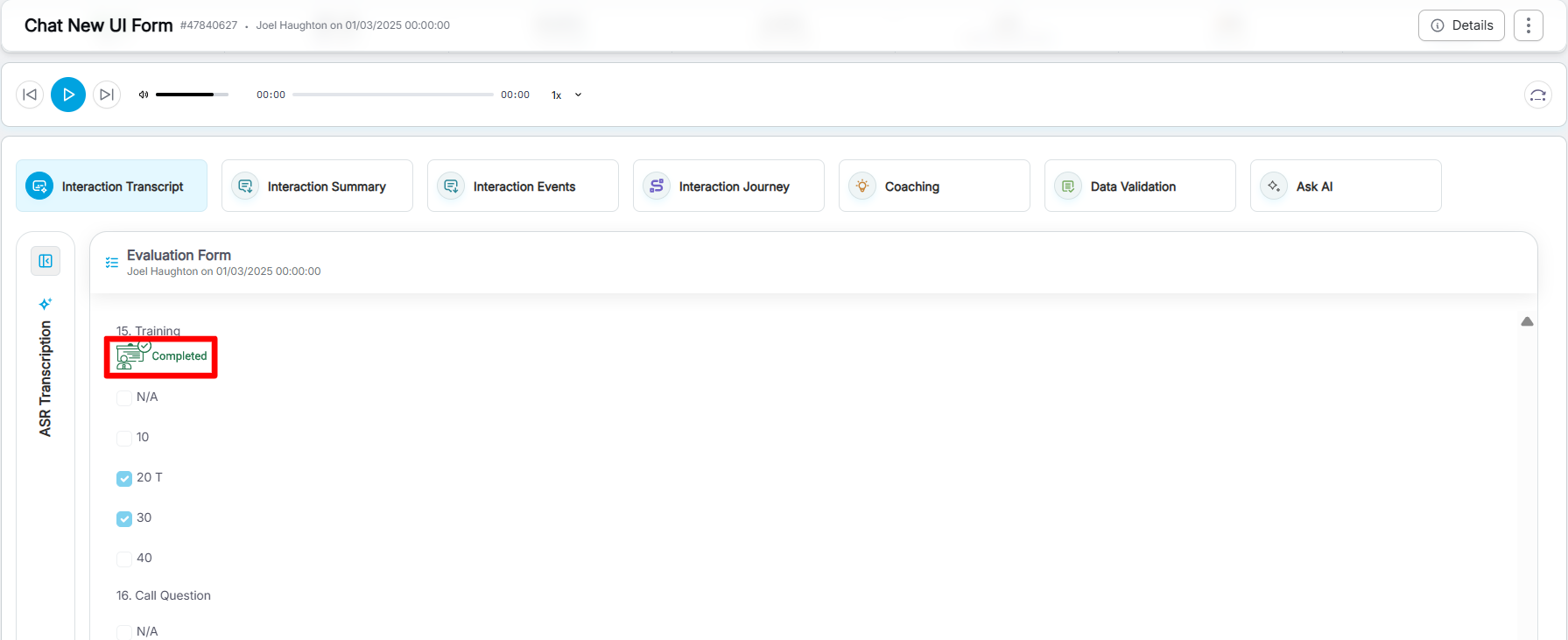
Training Status: Completed
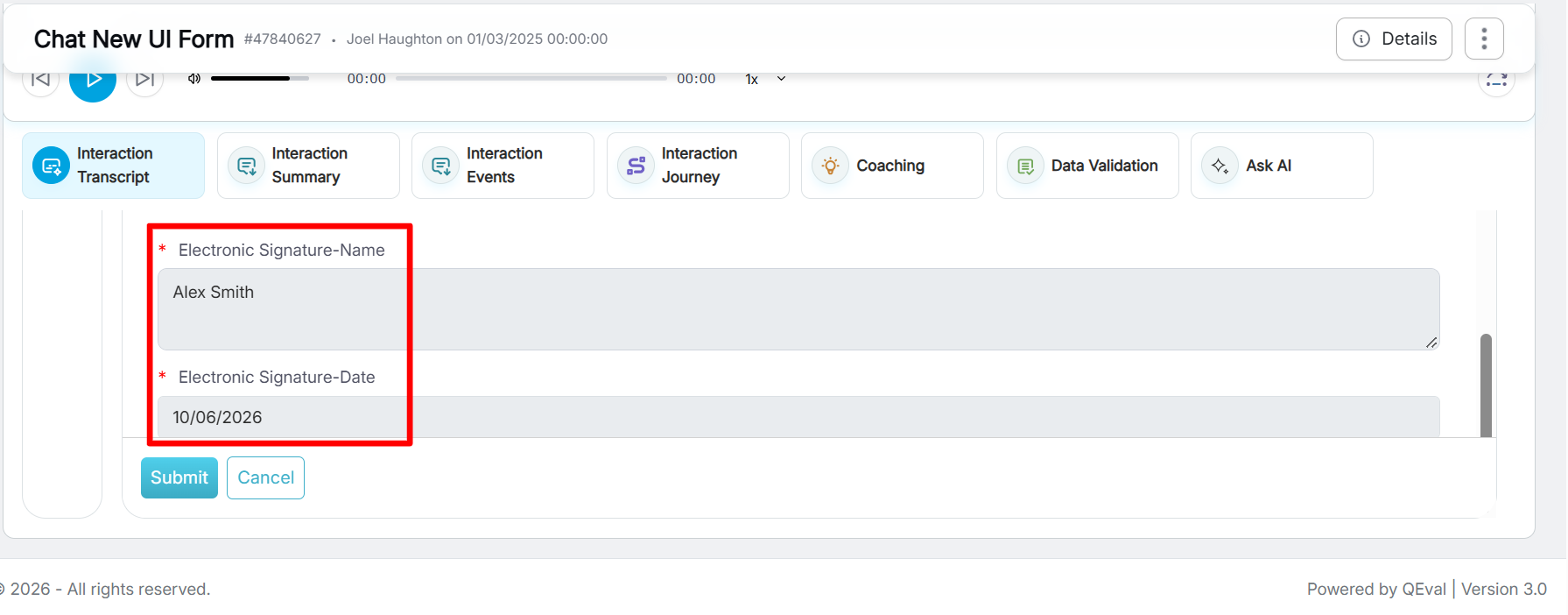
Signature Name and Date
Video