Table of Contents
Reassign Evaluator
Once the list of evaluators and their details is displayed, the Admin or Supervisor can reassign a new QA verifier to evaluations that have not yet been verified.
To access this functionality, select Manage > Work Allocation > Reassignment on the left panel as shown below:
- Select the checkbox next to one or more evaluators, as shown below:
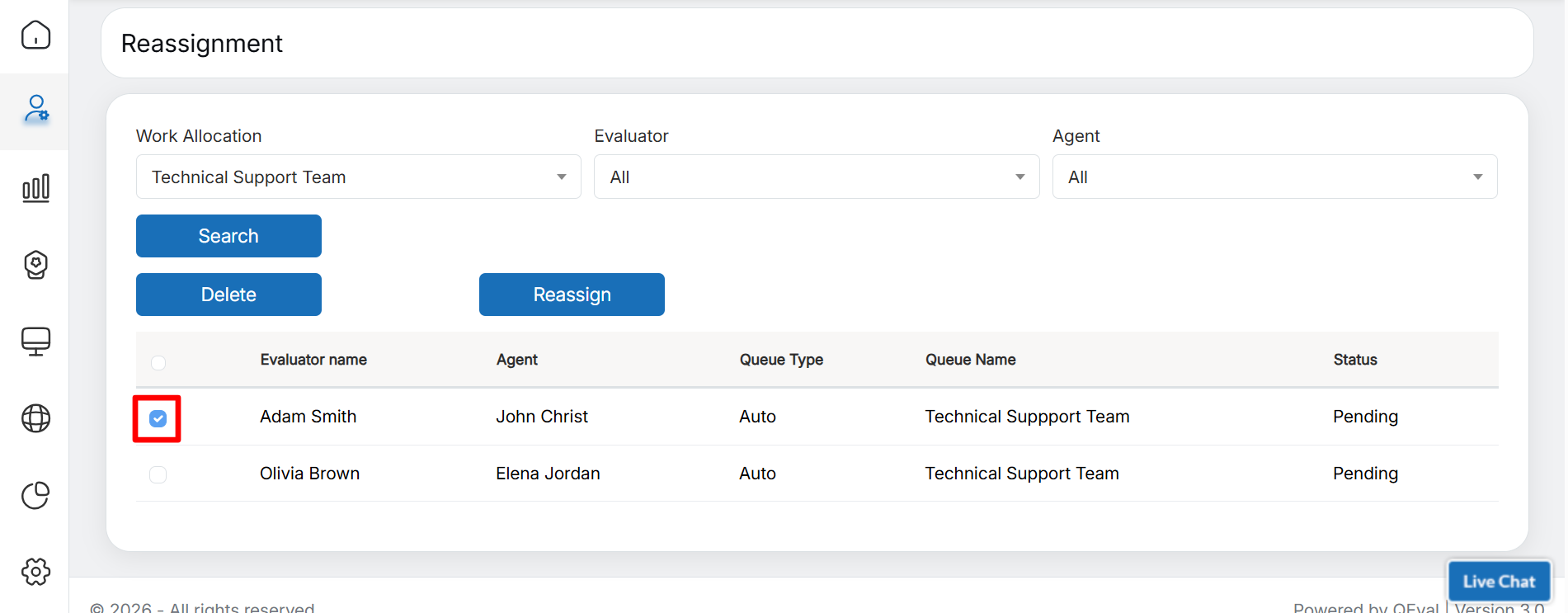
Select Evaluator
- To reassign all evaluations to a new evaluator, select the checkbox in the header section of the grid, as shown below:
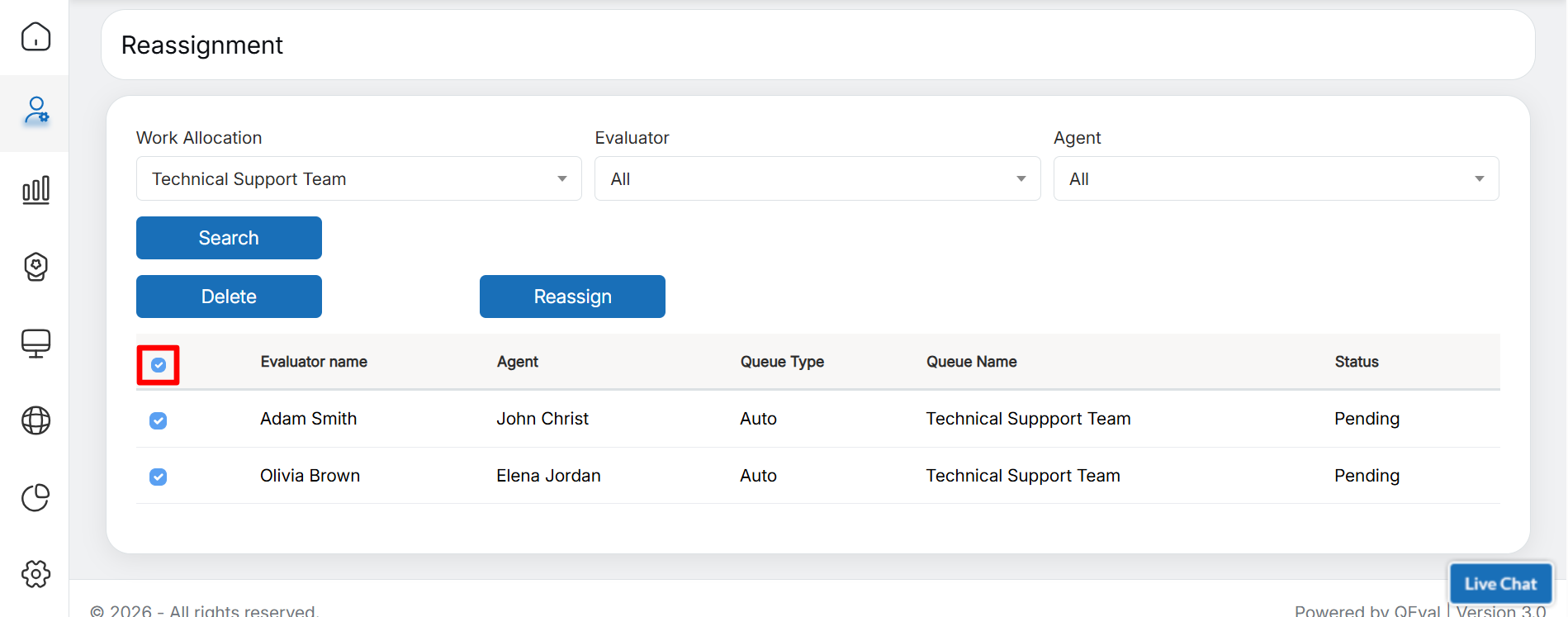
Select All
- All checkboxes in the list are selected at once, as shown in the screen above.
- Click the Reassign button, as shown below:
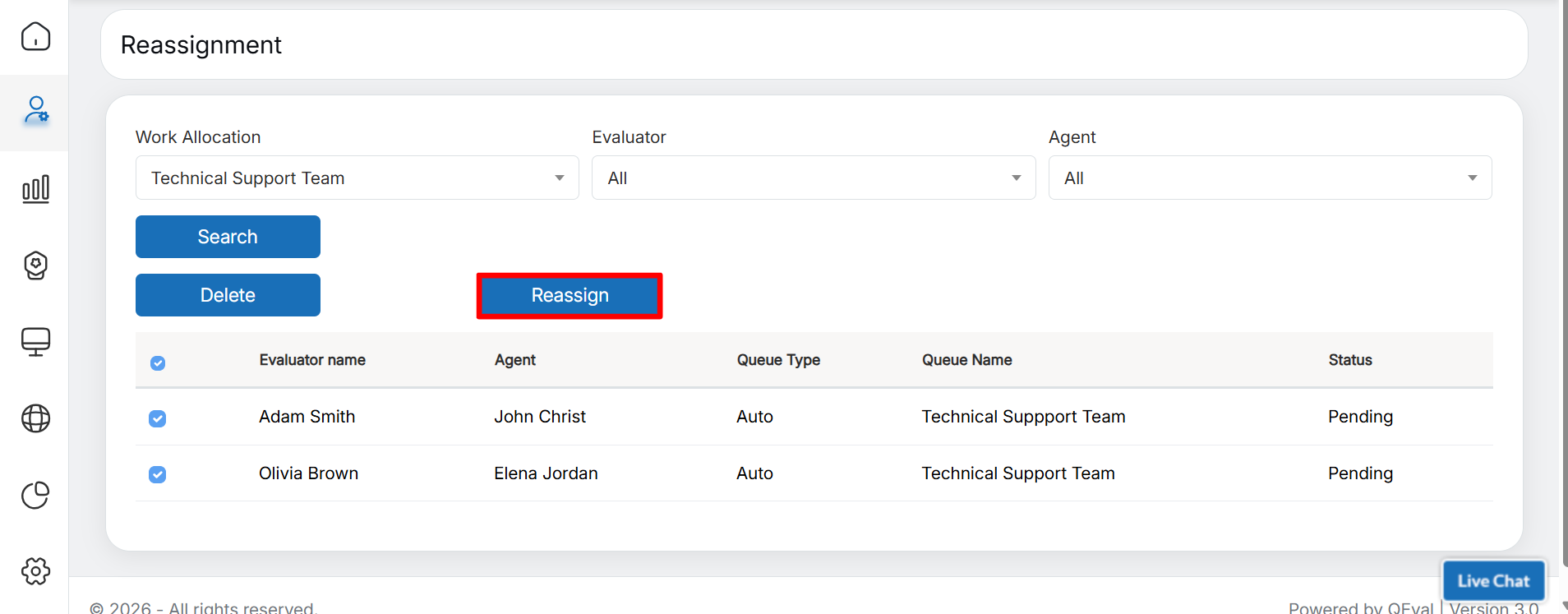
Reassign
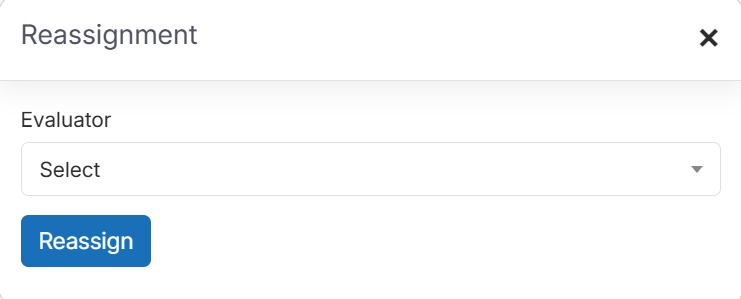
Reassignment Pop-up box
- In the Reassignment pop-up, select the required evaluator from the Evaluator dropdown list.
- Once an evaluator is selected, the status of evaluations for the selected work queue is displayed under Total Pending, Total Completed, and Total In Progress, as shown below:
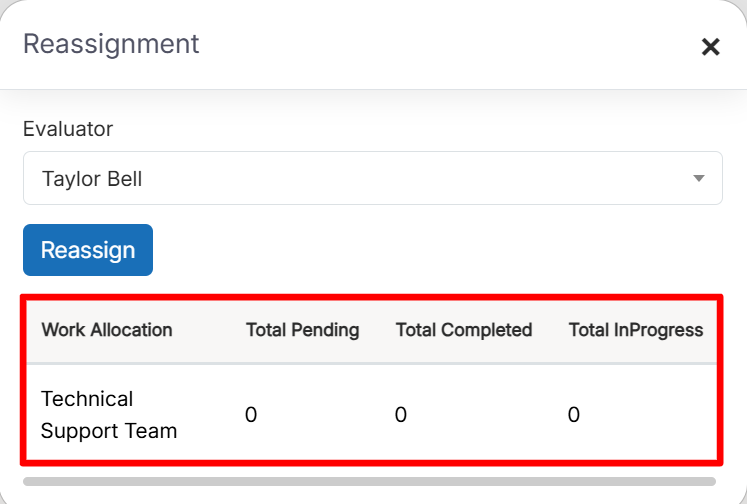
Work Queue Status
- Click the Reassign button to reassign the selected evaluations from the work allocation to the selected evaluator, as shown below:
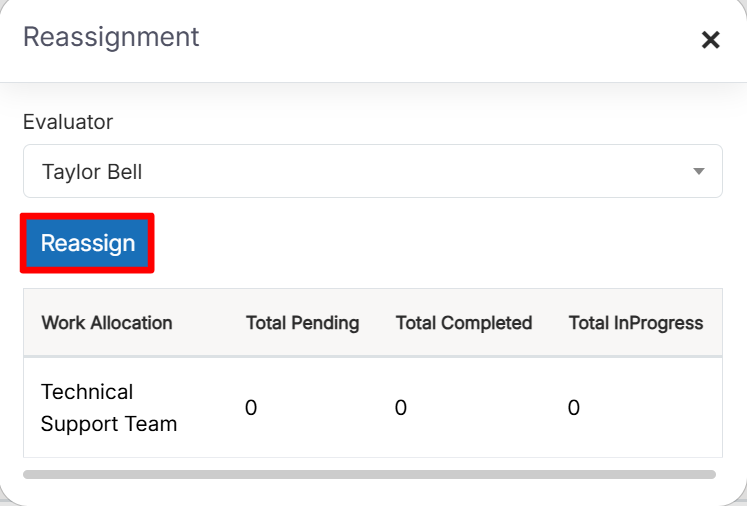
Reassign
- A confirmation message is displayed. Click OK to confirm the reassignment, or click Cancel to cancel the action.
- An acknowledgement message is displayed, confirming that the evaluations have been reassigned, as shown below:
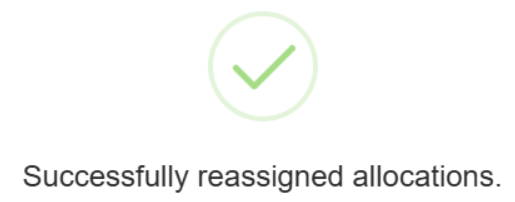
Acknowledgement Message
- On the Reassignment page, the newly assigned evaluator’s name is displayed against the respective evaluations, as shown below:
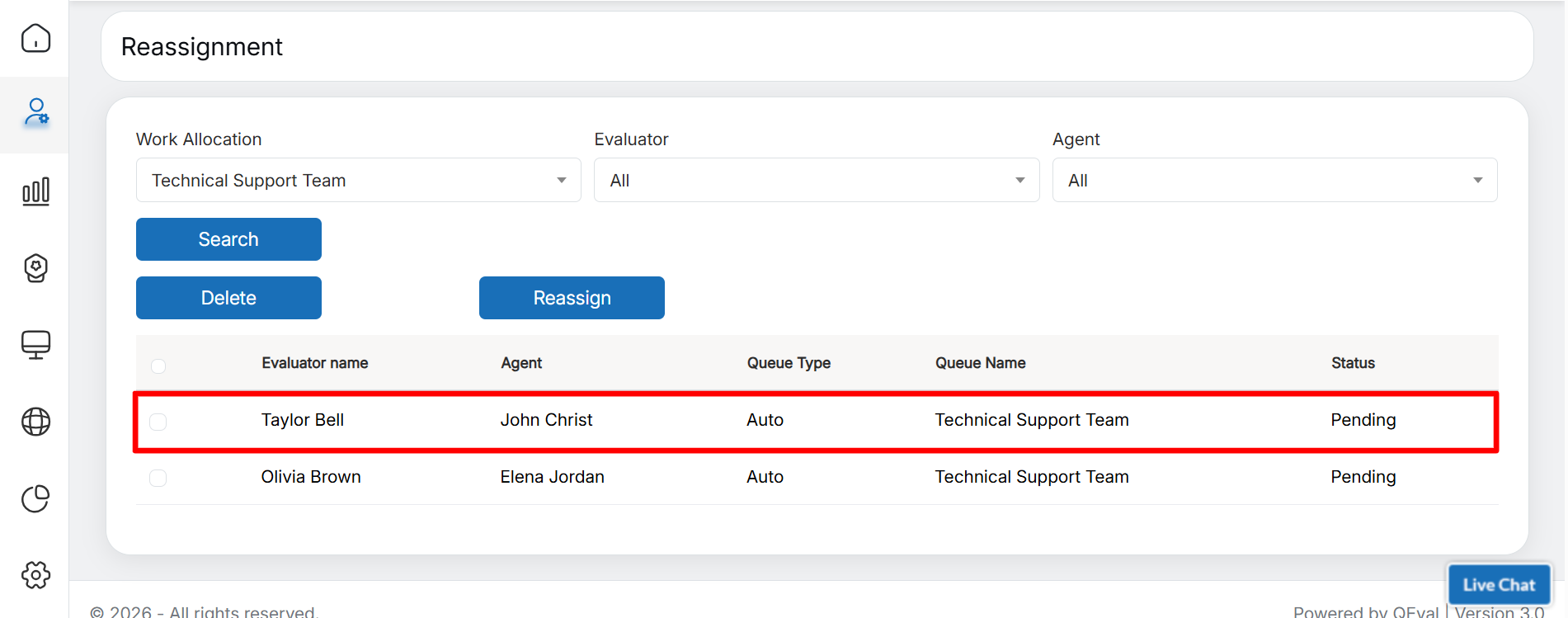
Newly Assigned Evaluator
- In this way, evaluators can be reassigned to any work allocation, and the assigned evaluations will be displayed on the Evaluation/ATA page in their console.
- To delete one or more entries from the grid, select the corresponding checkboxes and click the Delete button, as shown below:
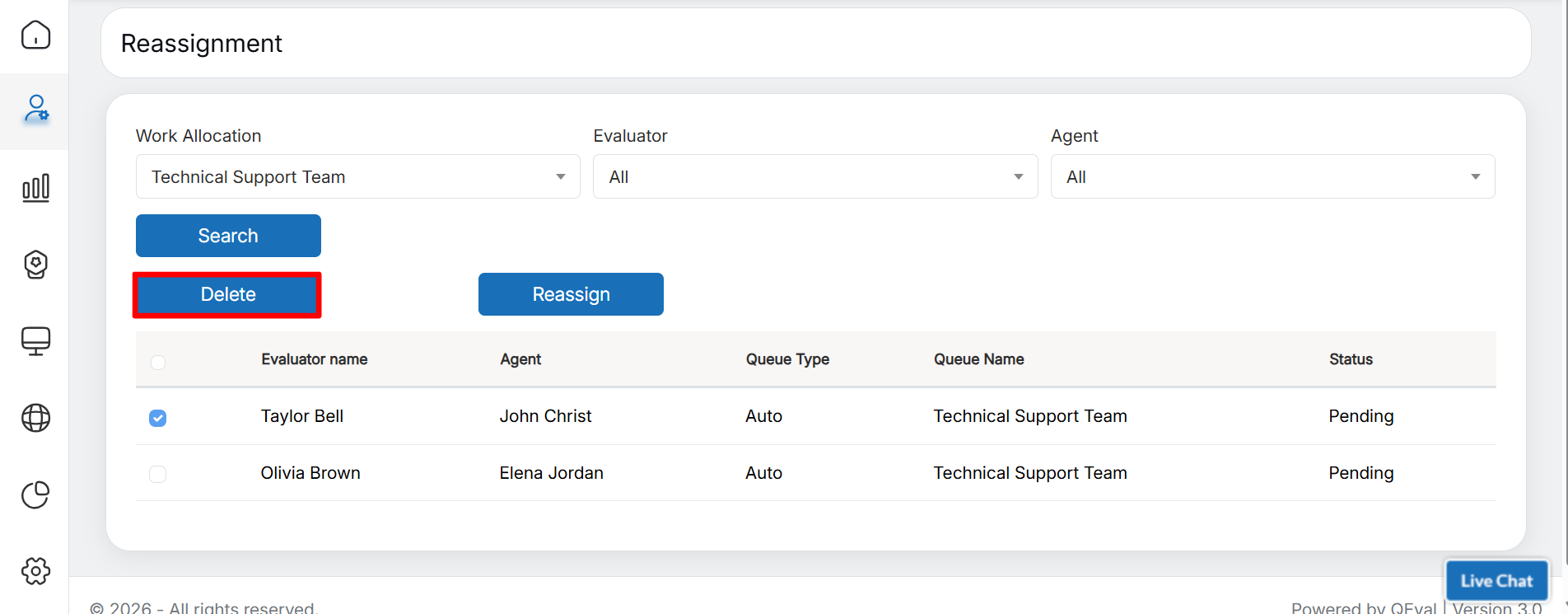
Delete
Once the deletion is confirmed, an acknowledgement message is displayed.
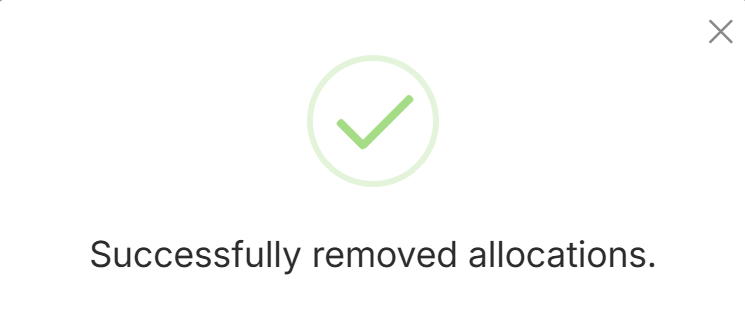
Acknowledgement Message
Video