Table of Contents
Introduction
On the Manage Evaluation page, users can add coaching for one or more evaluations or agents within a specific program. Using the Direct Feedback Model, users can provide constructive feedback by highlighting strengths and opportunities. Details of the selected evaluations are displayed for easy reference.
Add Coaching
To access this functionality, select Quality > Evaluation/ATA from the left panel. The Manage Evaluation screen is displayed.
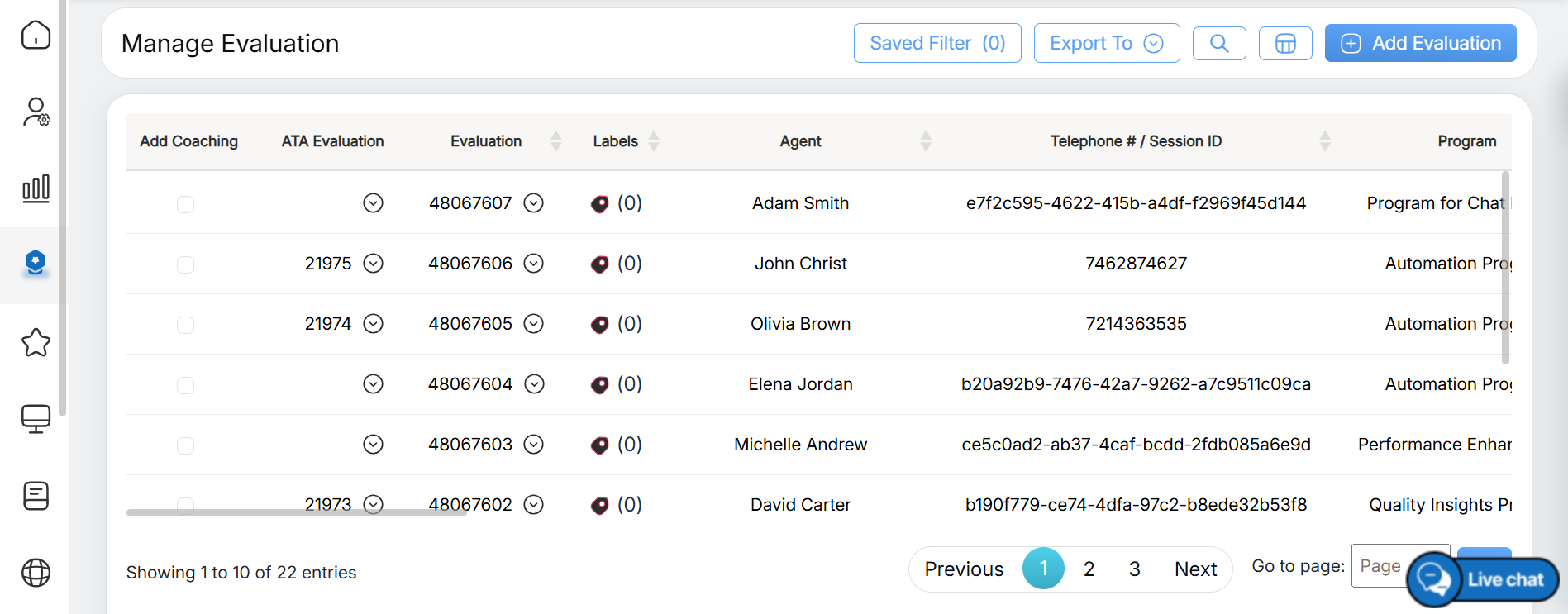
Manage Evaluation
Follow the steps below to add coaching for one or multiple evaluations:
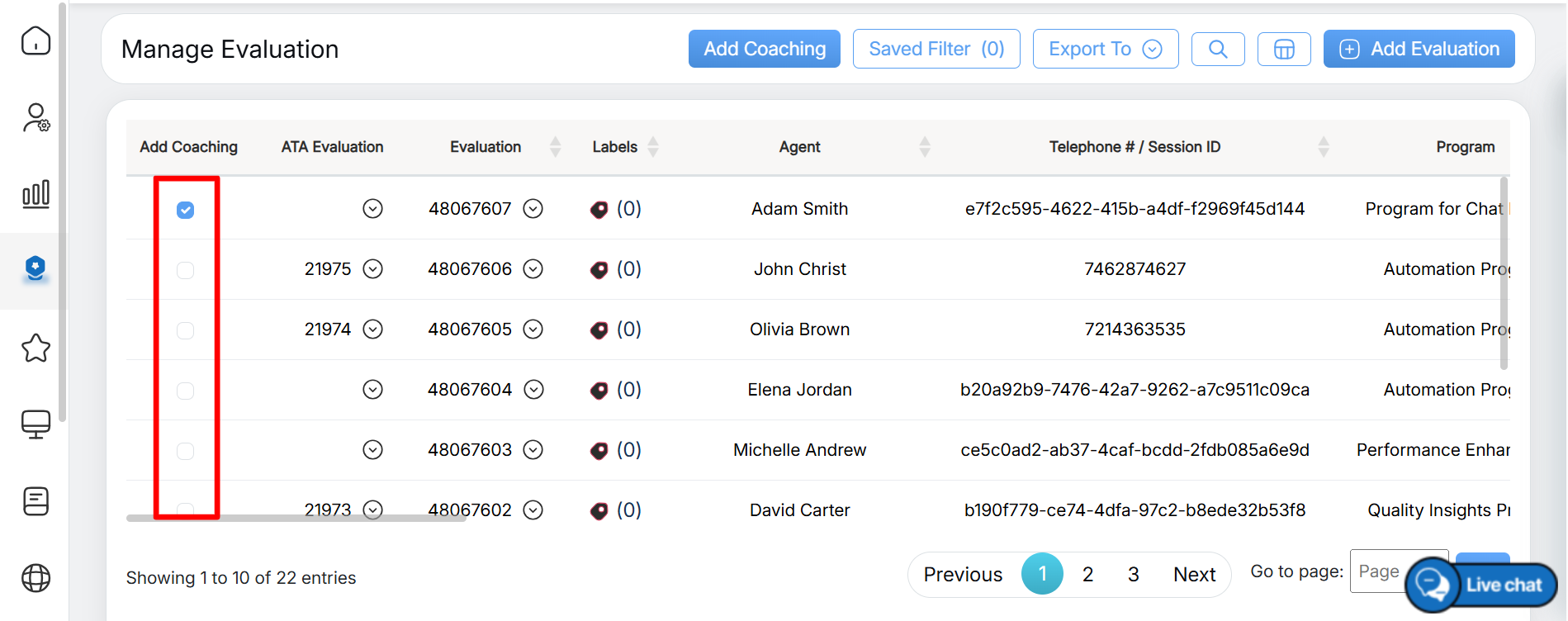
Add Coaching Column
Note: The coaching can be added for the evaluations of the same program only.
- Click the Add Coaching button to proceed.
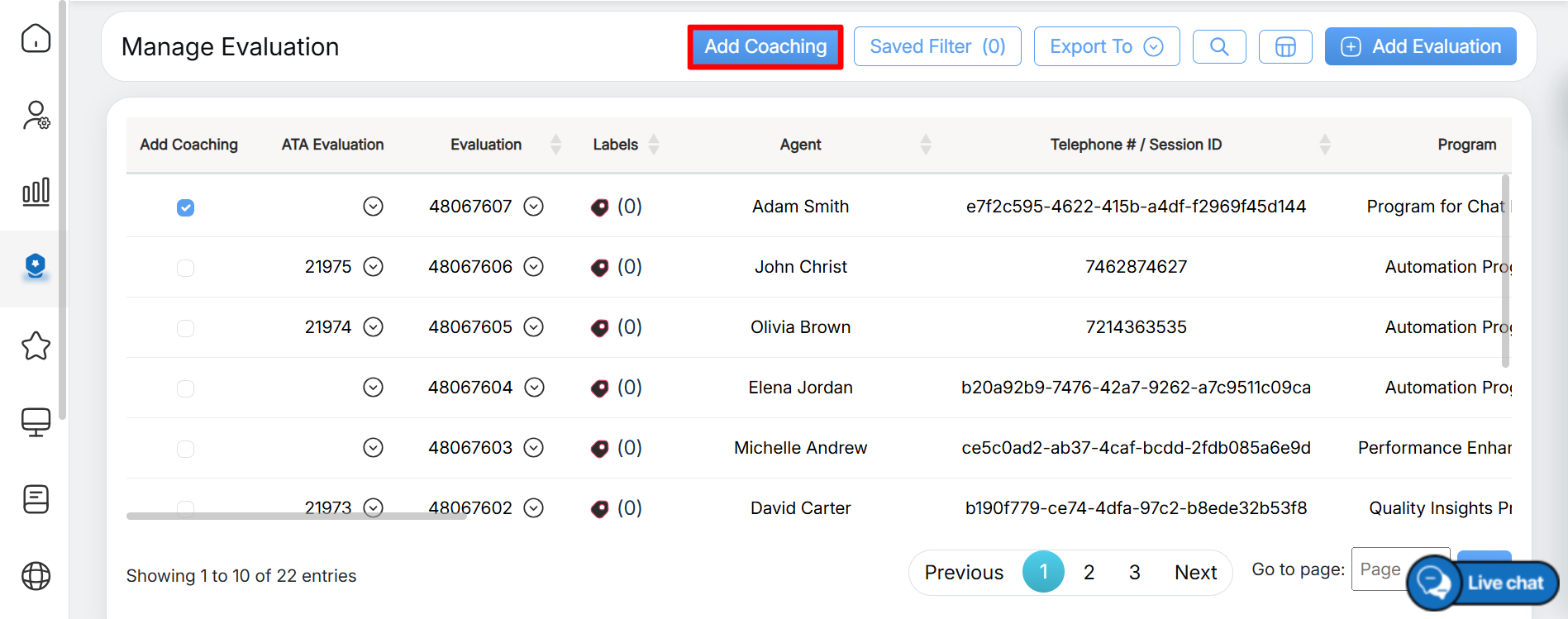
Add Coaching
Note: The Add Coaching button remains disabled until at least one evaluation checkbox is selected under the Add Coaching column.
- Once the Add Coaching button is clicked, a confirmation pop-up is displayed, as shown below:
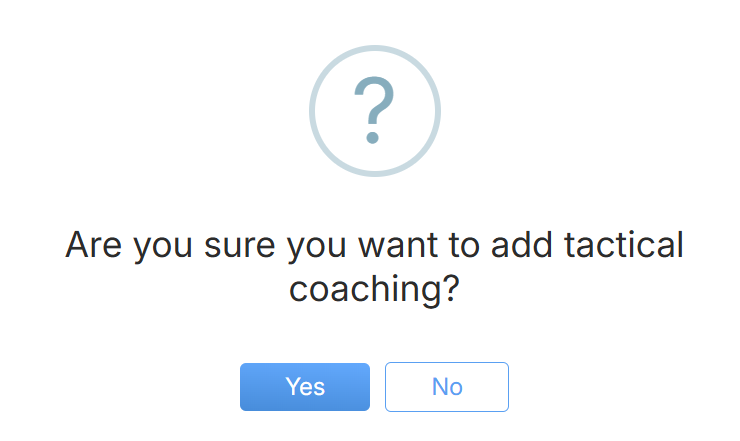
Confirmation Dialog Box
Click Yes to confirm adding coaching to the selected evaluations, or click No to cancel the action.
- The user is redirected to the Direct Feedback Model page, where they can add feedback and review the details of the selected evaluations based on their strengths and opportunities.
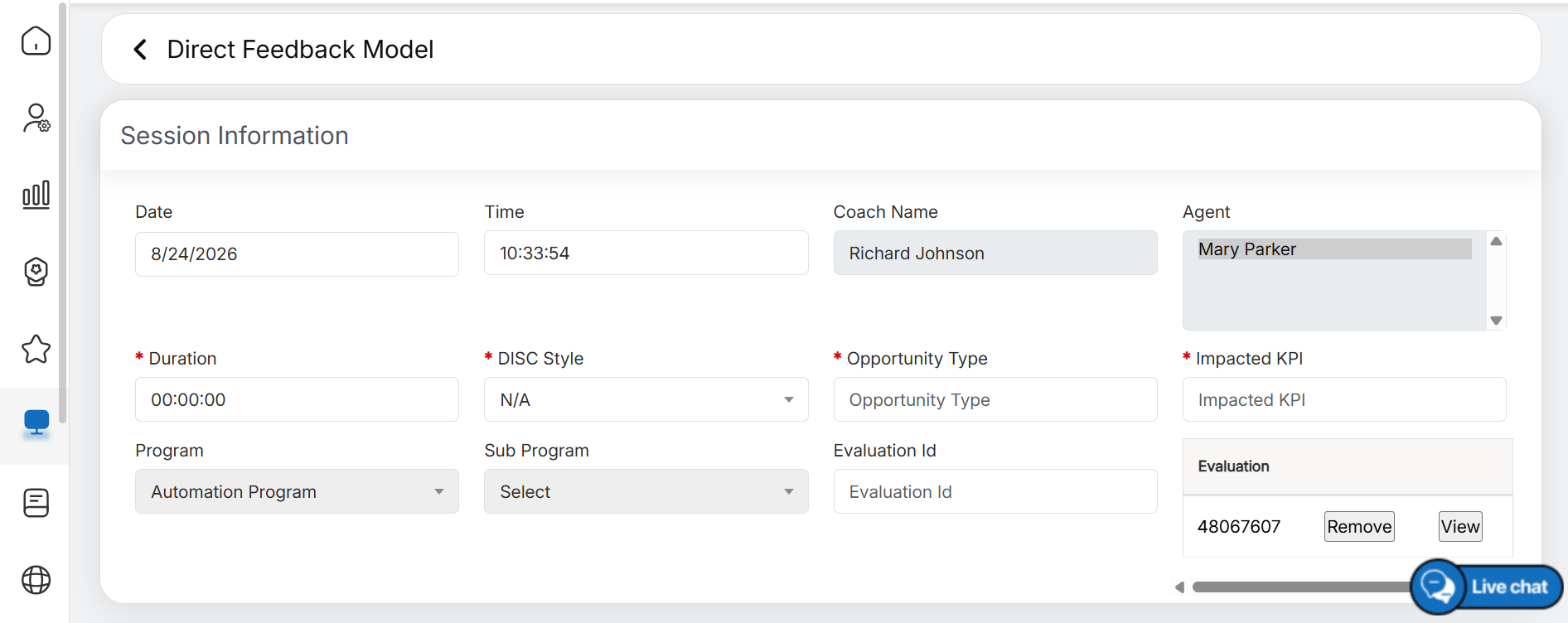
Direct Feedback Model
- On the Direct Feedback Model page, all selected evaluations are displayed under the Evaluation section, as shown below:
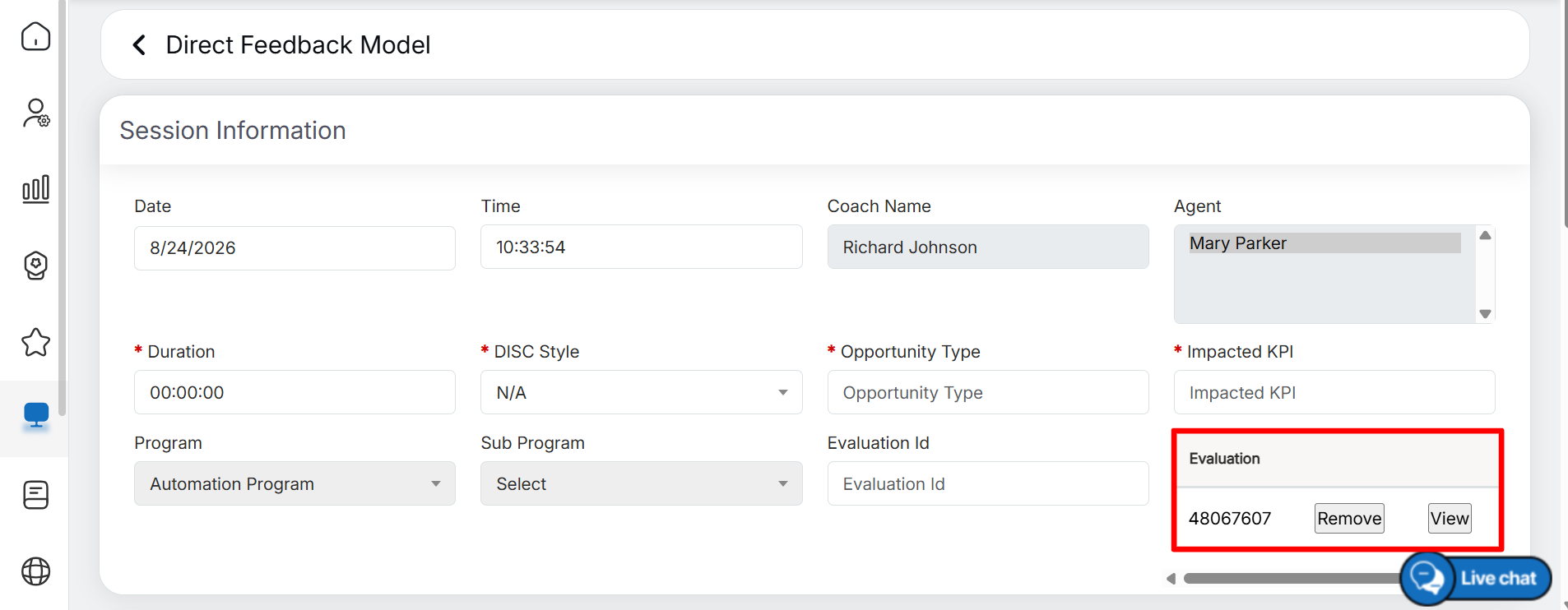
Selected Evaluation
- To view the evaluation form, click the View button next to the required evaluation ID under the Evaluation section, as shown below:
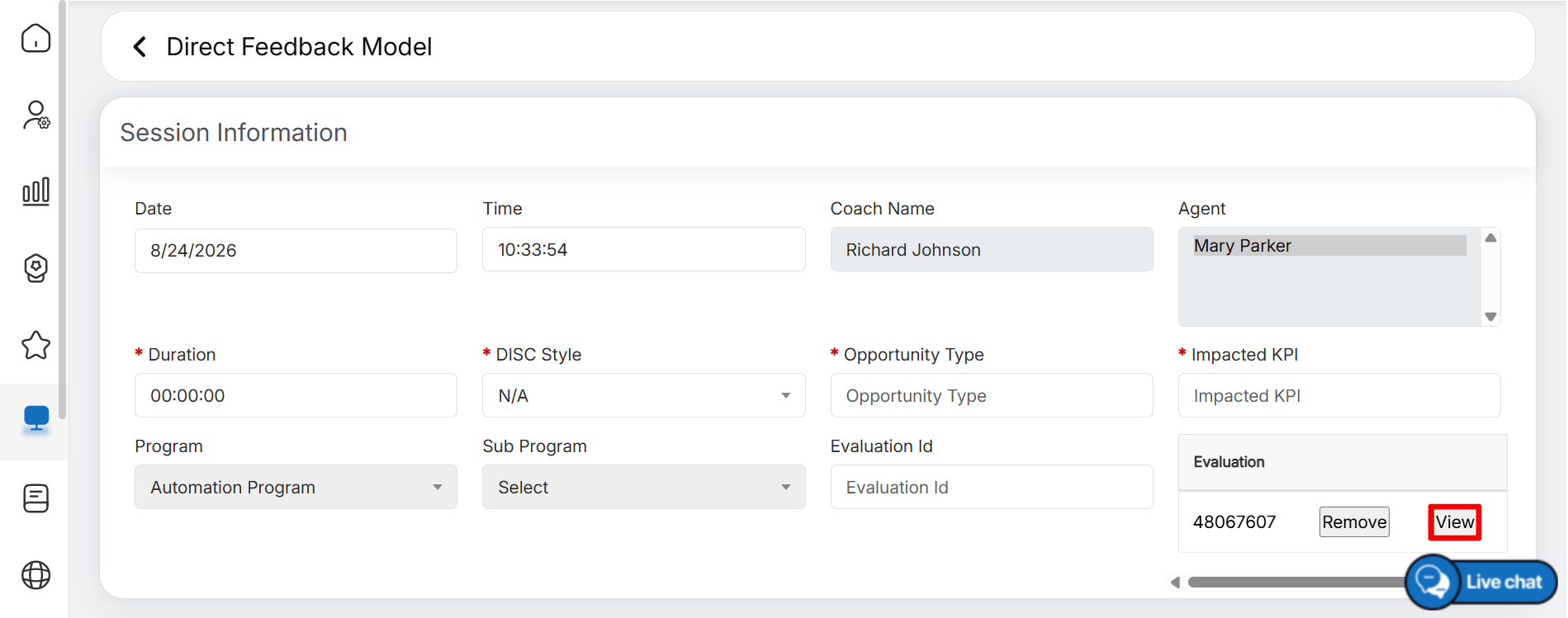
View
- To remove an evaluation from the coaching session, click the Remove button next to the corresponding evaluation ID under the Evaluation section, as shown below:
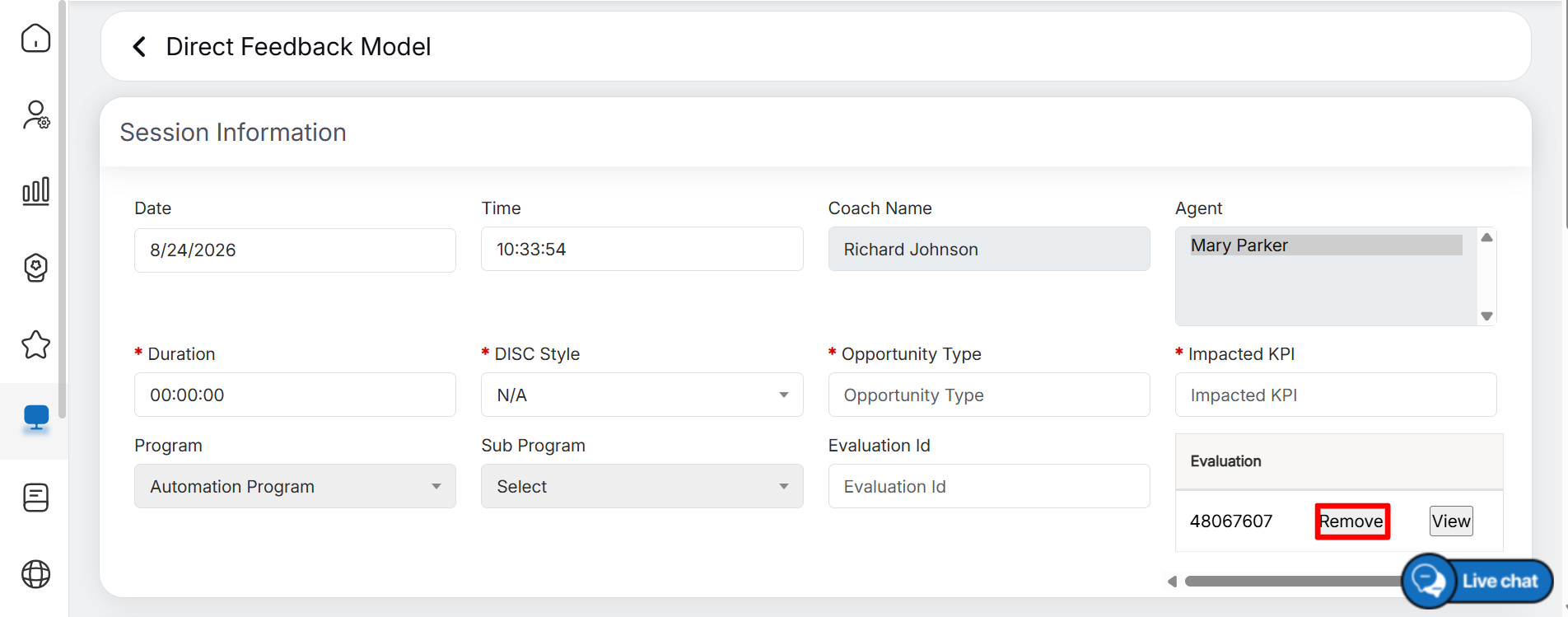
Remove
- On this page, the authorized user can add coaching feedback based on the identified Strengths and Opportunities.
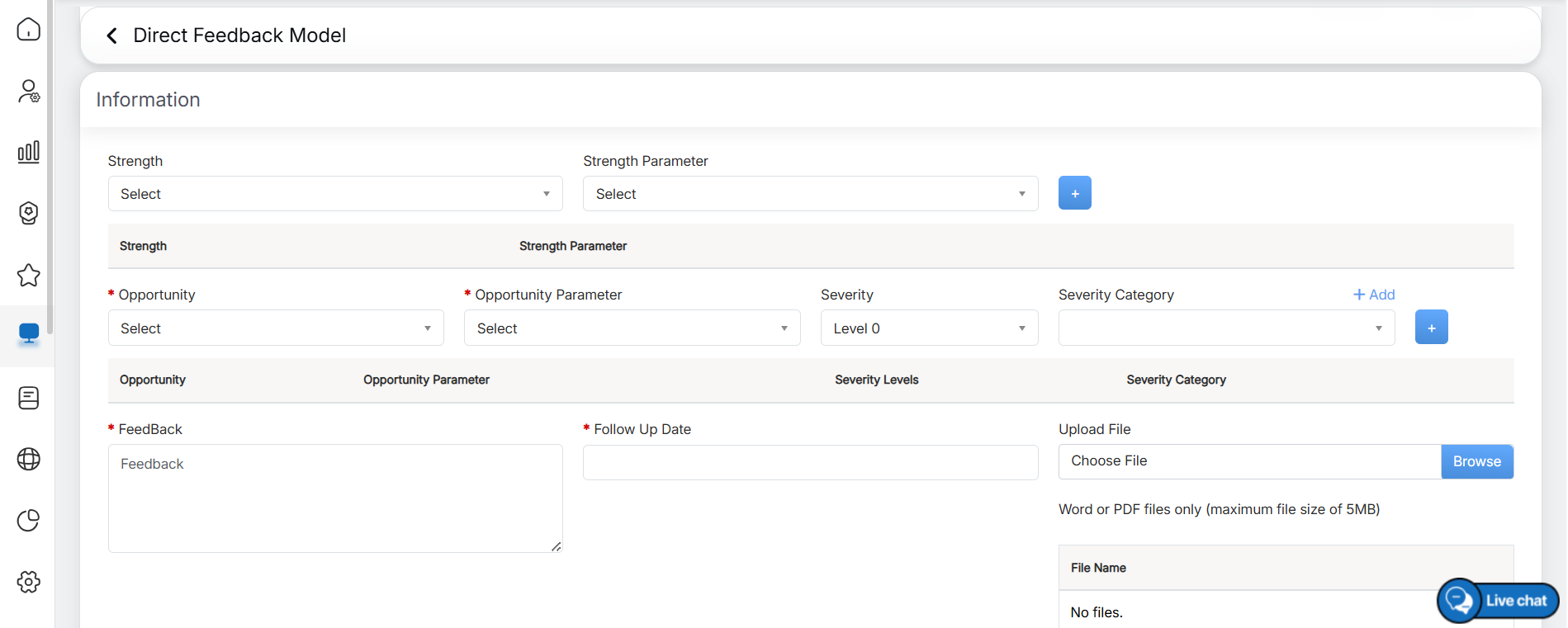
Direct Feedback Model: Information
For more information on adding coaching for the selected evaluations, refer to the Direct Feedback Model (DFM) topic under Coach Tactical Warehouse.
Video