Table of Contents
Introduction
The Audit Guideline is a reference document that helps evaluators assess an agent’s performance accurately and consistently. It provides detailed descriptions of the evaluation parameters and explains how each parameter should be assessed during the evaluation process.
Upload Audit Guideline
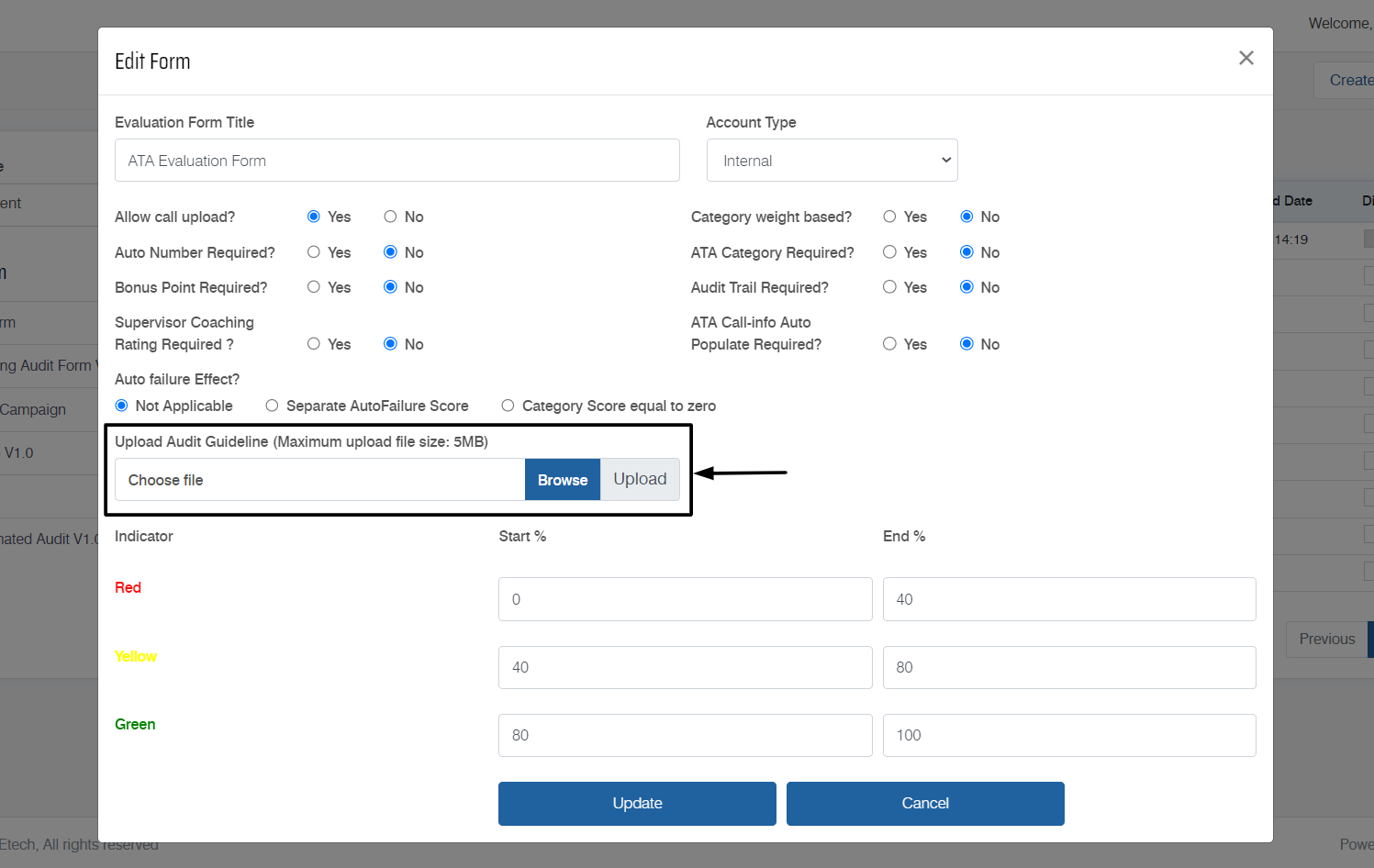
Notes:
- To edit the evaluation form or view its design, one needs to first change its status to Open. To know more about editing the evaluation form, refer to Create Evaluation Form.
- Audit Guideline can be uploaded in .pdf format only.
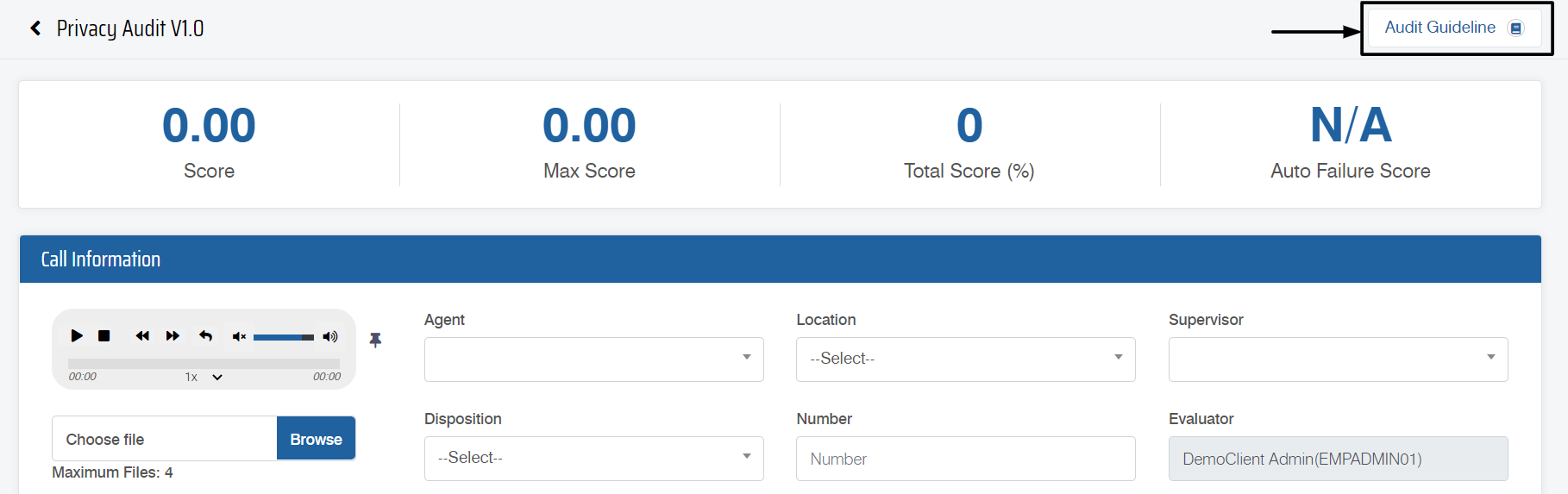
View Audit Guideline
To view the uploaded Audit Guideline, click the Audit Guideline button on the Preview Form page.
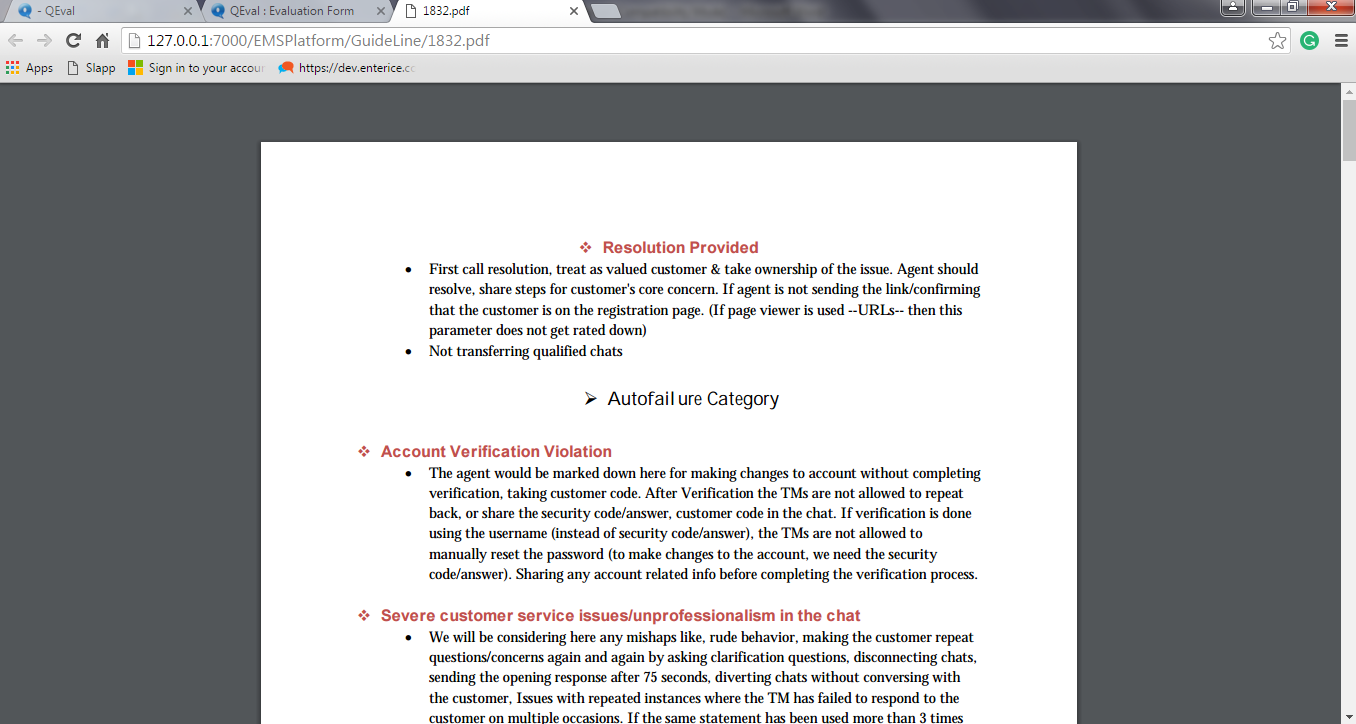
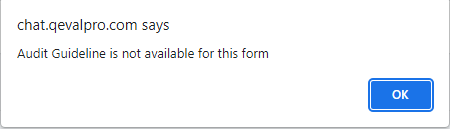
Click OK.
Video