Table of Contents
Introduction
The Manage menu is available to users with the required administrative permissions in the QEval Portal. It enables administrators to create, update, and manage various system configurations and records. Using this menu, admins can perform actions such as adding, editing, searching, and managing information across different modules.
The Manage menu includes the following functionalities:
- Program Configuration
- User
- Client
- Disposition
- Location
- Partner
- Forms
- Follow up emails
- Work Allocation
- Notification
- Custom Roles
- Automated Email Alert
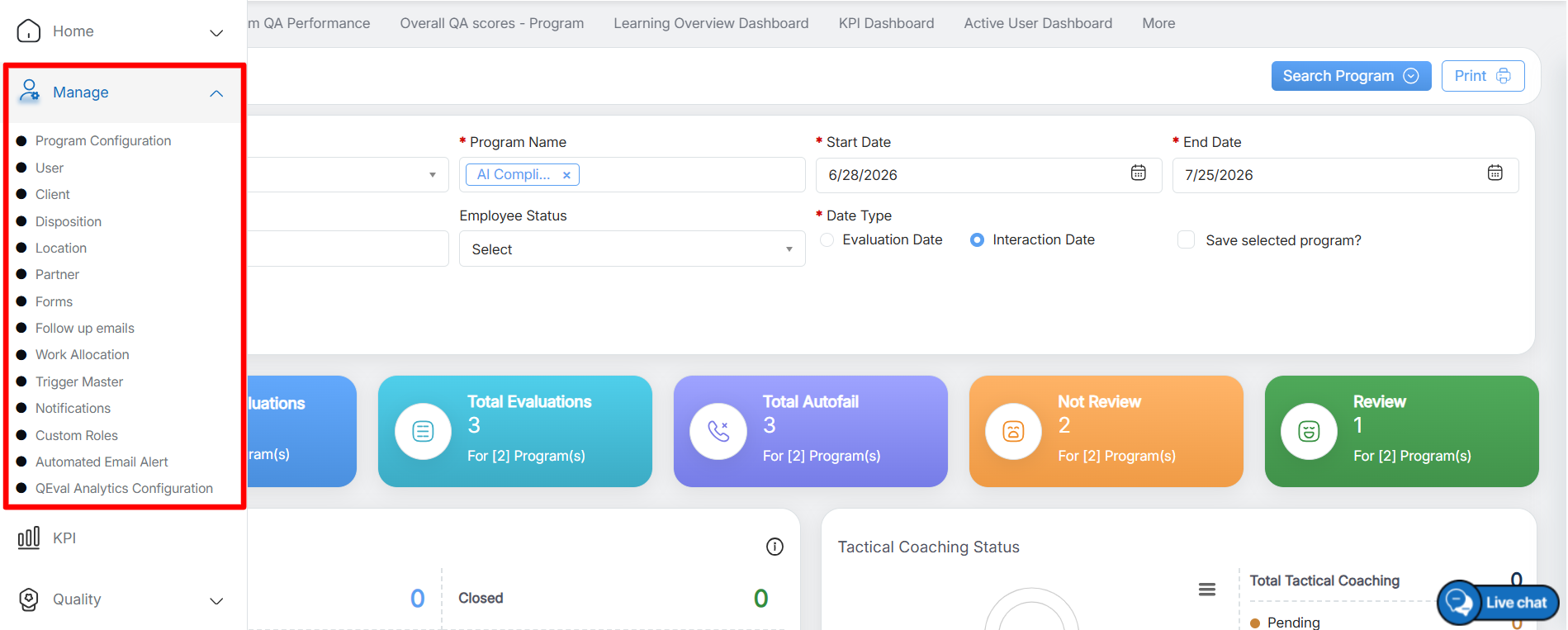
Manage
Note: Manage rights are generally given to limited users.
Video