Table Of Contents
QEval Support
Support allows users to contact the QEval Support Team for help with login credentials or other issues. Users can also connect with support assistance through chat or email.
To access Support, click the User Profile drop down in the top-right corner of the screen and select Support:
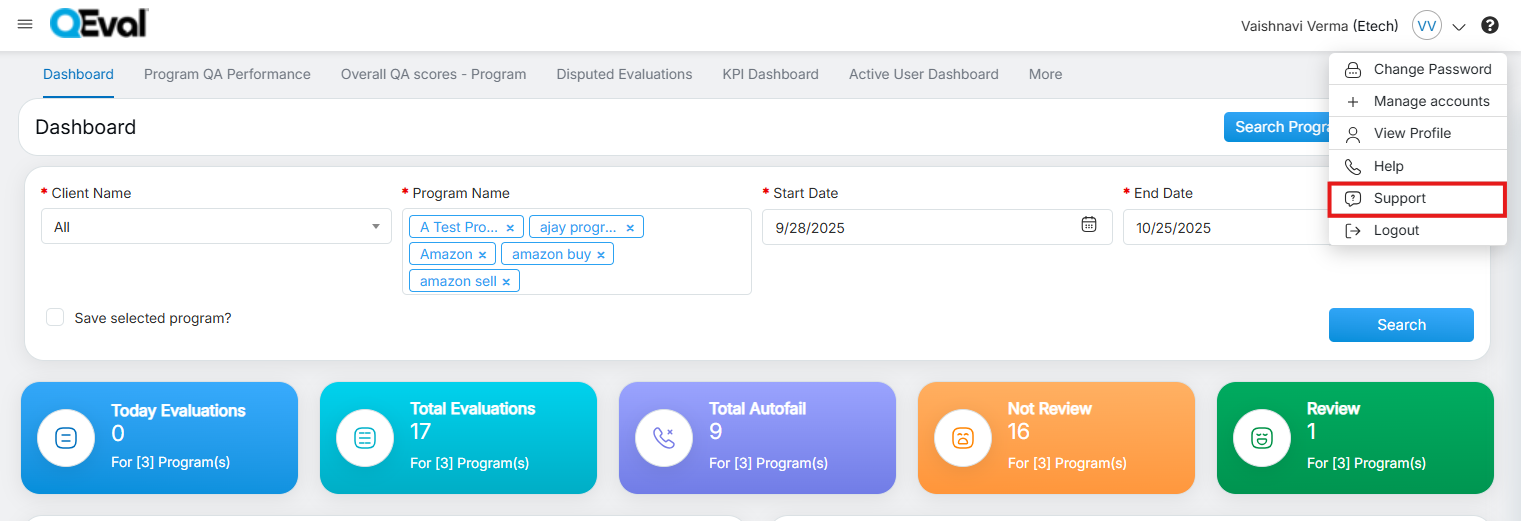
Support
On selecting the Support option, the user is redirected to the QEval Support window, where they can enter the required details in the displayed fields to contact the QEval support team:
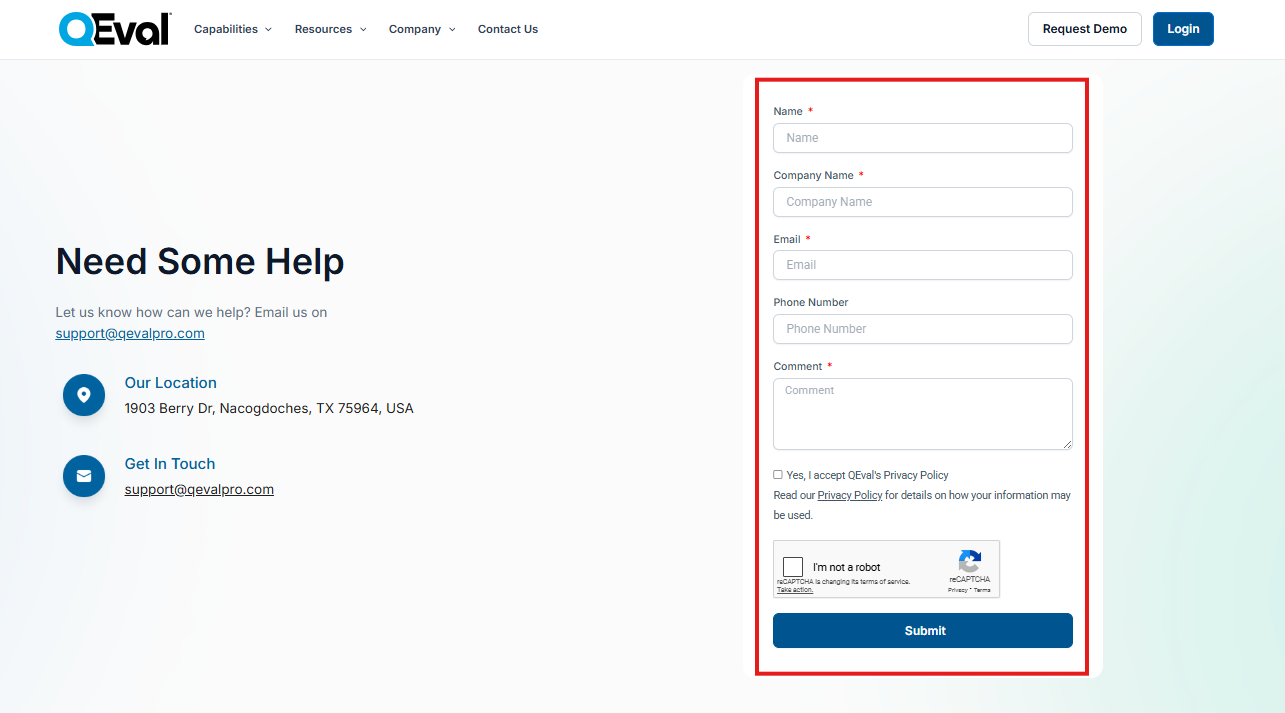
User Details
Once all the details are entered, a user needs to click on the Submit button to submit the support form.
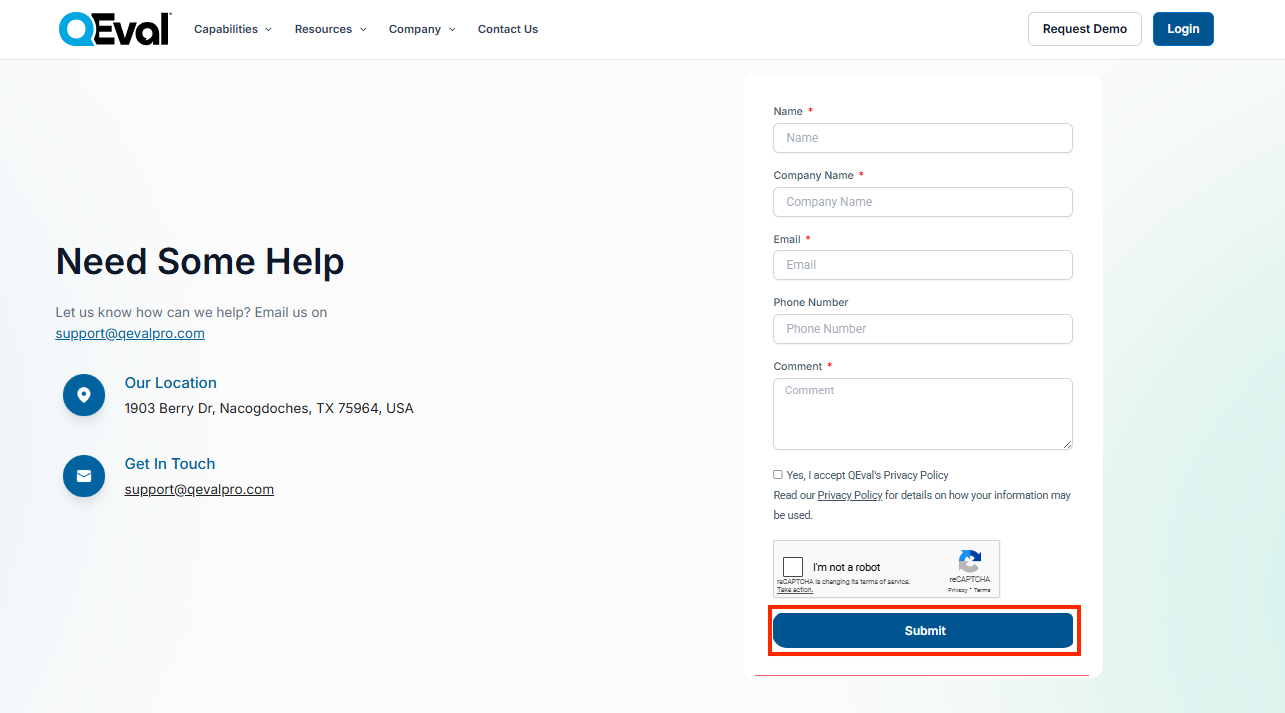
Submit button
If a user wants to access QEval then he/she could purchase a license from https://qeval.ai/
Video